AI Tools in CRM
AI Tools in CRM
Artificial Intelligence (AI) is transforming how businesses operate, and your CRM platform includes powerful built-in AI tools to help automate tasks, enhance creativity, and improve customer engagement. This guide introduces the AI capabilities available within the CRM and offers practical advice for using them effectively.
What Is AI and How Does It Work in CRM?
AI enables software to perform tasks that typically require human intelligence, such as understanding language, recognizing patterns, and generating content. In the CRM, AI functions by taking a user-provided prompt—a specific instruction or question—and generating a relevant response or action based on that input.
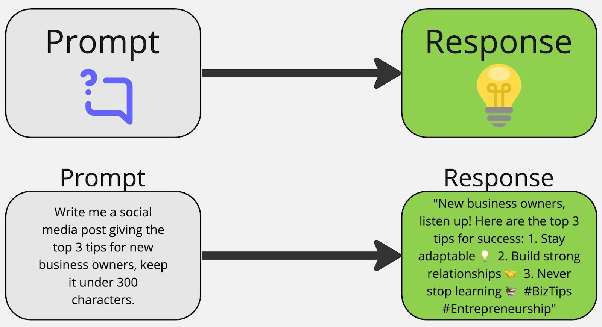
The quality of the AI's output depends heavily on the detail and clarity of your prompt. A well-written prompt leads to more accurate and useful results.
Best Practices for Using CRM AI Tools
To get the most from AI in your CRM, follow these tips:
- Treat AI as a powerful assistant: AI tools are designed to support your work, not replace your expertise. Learn how they function to use them efficiently.
- Provide clear, detailed prompts: The more specific your instructions, the better the AI can assist you.
- Use AI for idea generation and research: Kickstart marketing campaigns, draft content, or gather insights quickly using AI suggestions.
- Automate repetitive tasks: Once you’re comfortable with an AI tool, set it to run automatically for things like responding to common customer inquiries.
- Experiment and practice: Try different prompts and use cases to discover how AI can save time and improve workflows.
CRM's Built-in AI Tools
The CRM includes several integrated AI features, each designed for specific business needs.
Content AI
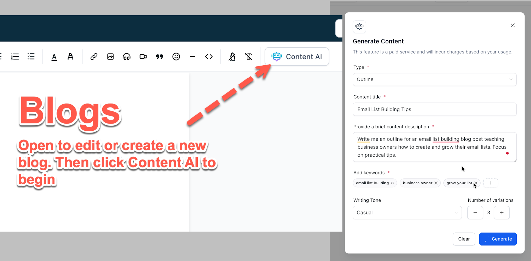
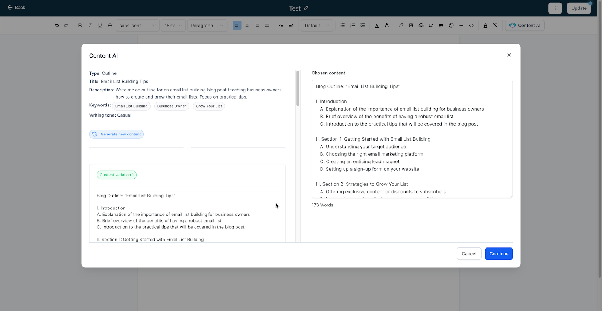
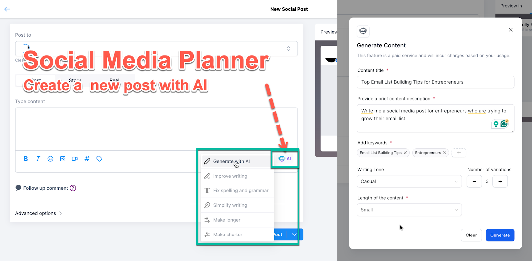
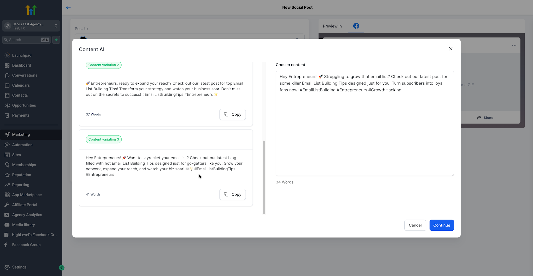
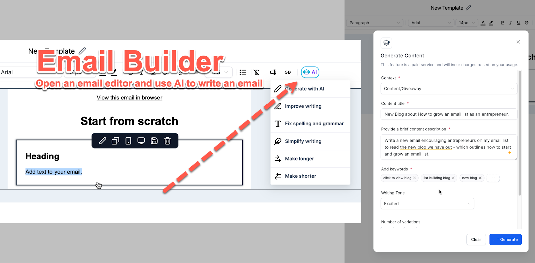
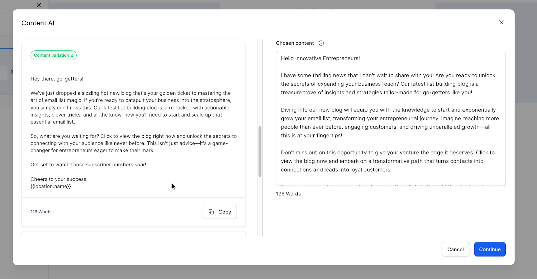
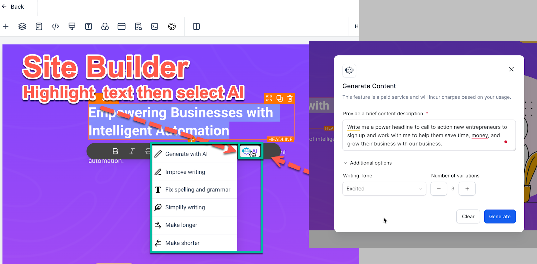
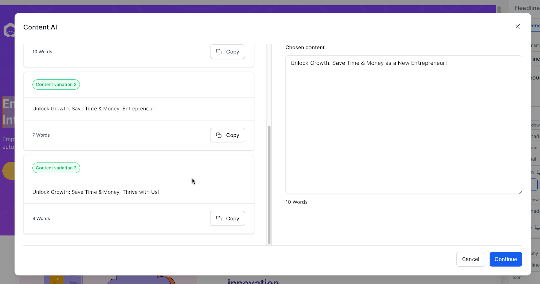
Content AI helps you quickly generate marketing materials like social media posts, email copy, blog ideas, and website headlines. You provide a topic or goal, and the tool creates tailored content options.
Reviews AI
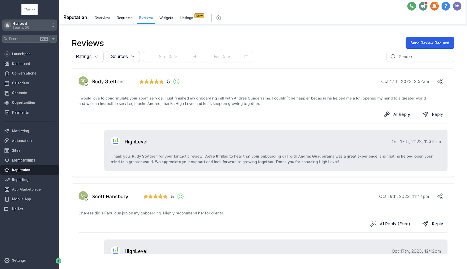
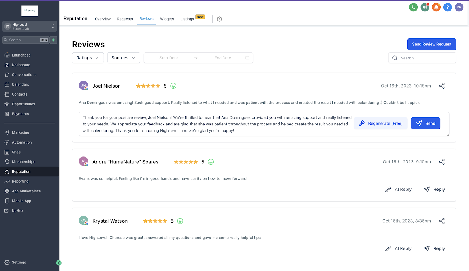
This tool automates review management by suggesting or automatically generating responses to customer feedback. It helps maintain your online reputation with minimal manual effort.
Conversation AI
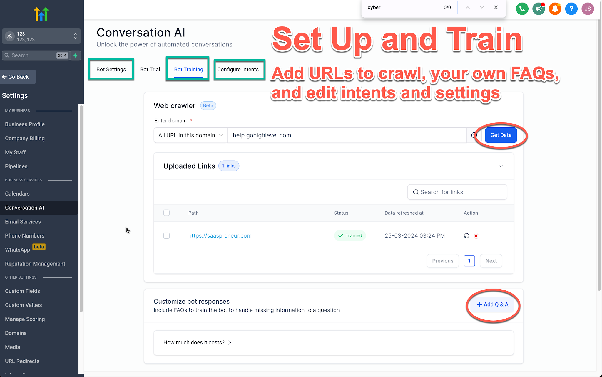
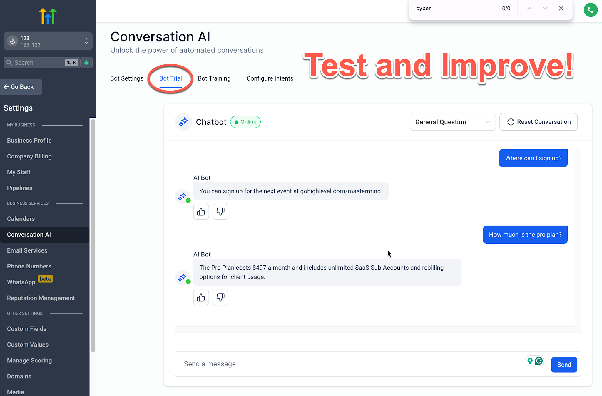
Conversation AI powers smart chatbots that can answer frequently asked questions, handle simple requests, and even schedule appointments. It learns from your training to provide helpful, context-aware responses.
Workflow AI
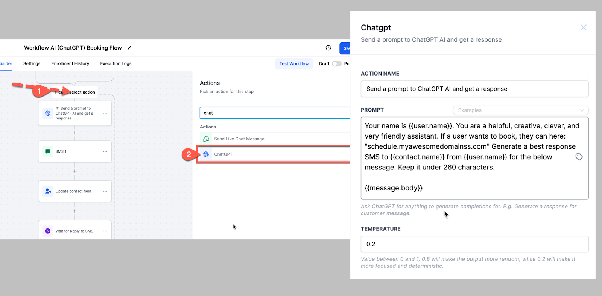
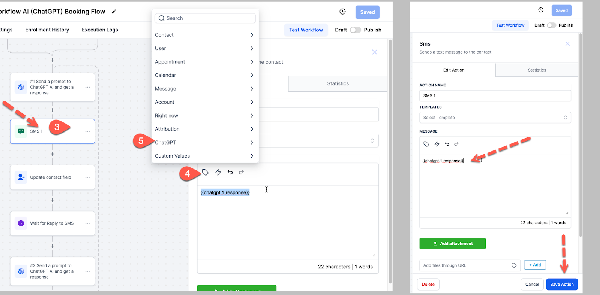
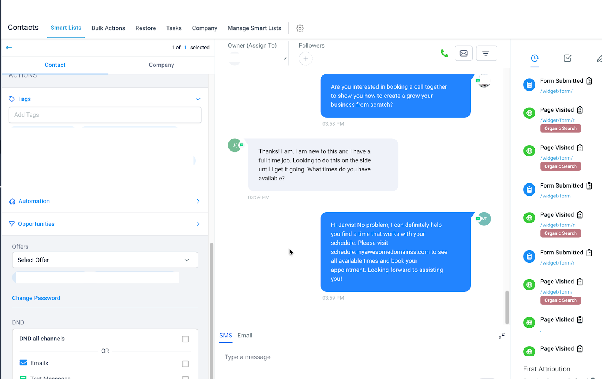
Workflow AI integrates AI directly into your automation sequences, allowing for dynamic responses and actions within complex workflows. It offers deep customization but requires more technical know-how to set up effectively.
Important: Workflow AI does not retain conversation history automatically. You must include any necessary context or prior messages in your prompt for it to respond accurately.
Choosing Between Conversation AI and Workflow AI
Most users will find Conversation AI easier to start with thanks to its intuitive interface and training features. Workflow AI offers more control but involves a steeper learning curve. Use the table below to decide which fits your needs.
| Conversation AI | Workflow AI |
|---|---|
| User-friendly; ideal for general customer interactions and FAQs. Learns from trained content. | Highly customizable; best for specialized, one-off automations. Pulls from broader knowledge sources. |
Third-Party AI Integrations
Beyond built-in tools, the CRM supports AI integrations from external developers. These can be found in the in-app marketplace and may offer additional specialized functionality.
AI Usage and Pricing
AI features are available on all CRM plans, with costs typically based on usage. Check the latest pricing guide for specific rates, as these may change. Third-party AI apps may have their own pricing set by the developers.