Why Tracking Code doesn't get copied on copying a page
Why Tracking Code Isn't Copied When You Duplicate a Page
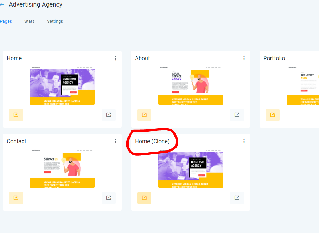
When you copy a funnel step or duplicate a website page in your CRM, you may notice that the tracking code from the original page is not carried over to the new copy. This is intentional behavior, not a bug.
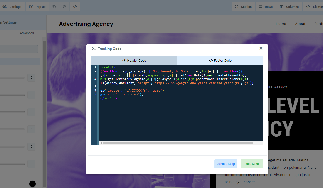
Each tracking code is uniquely tied to a specific page. If the CRM automatically copied tracking codes during duplication, it could lead to:
- Multiple instances of the same tracking code firing on different pages
- Inaccurate attribution of events and conversions
- Confusion in analytics when the same code appears on multiple URLs
Additionally, users often share funnels or pages across different agencies or locations. Automatically copying tracking codes could unintentionally share analytics data between unrelated parties, which might compromise data privacy or create reporting conflicts.
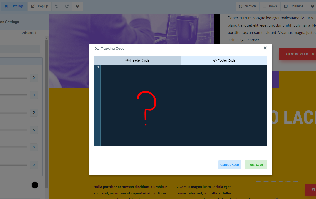
After duplicating a page, you'll need to add a new tracking code specifically for the copied page through your CRM's tracking settings. This ensures clean, accurate data collection for each individual page in your funnels and websites.