Multiple Calendar Views in Mobile App
You can integrate the schedules of multiple users, calendars, or groups into a unified mobile calendar view.
- Select multiple users - You can view the schedules of multiple users.
- Select multiple calendars - You can view the schedules of multiple calendars.
- Select multiple groups - You can view the schedules of multiple groups.
How To Use Multiple Calendars on Mobile
Make sure you have your preferred mobile app on your device.
| Head over to the calendars section on the bottom bar of the app. Under the calendar, you will now see a dropdown. Tap on the dropdown to open the selector. | 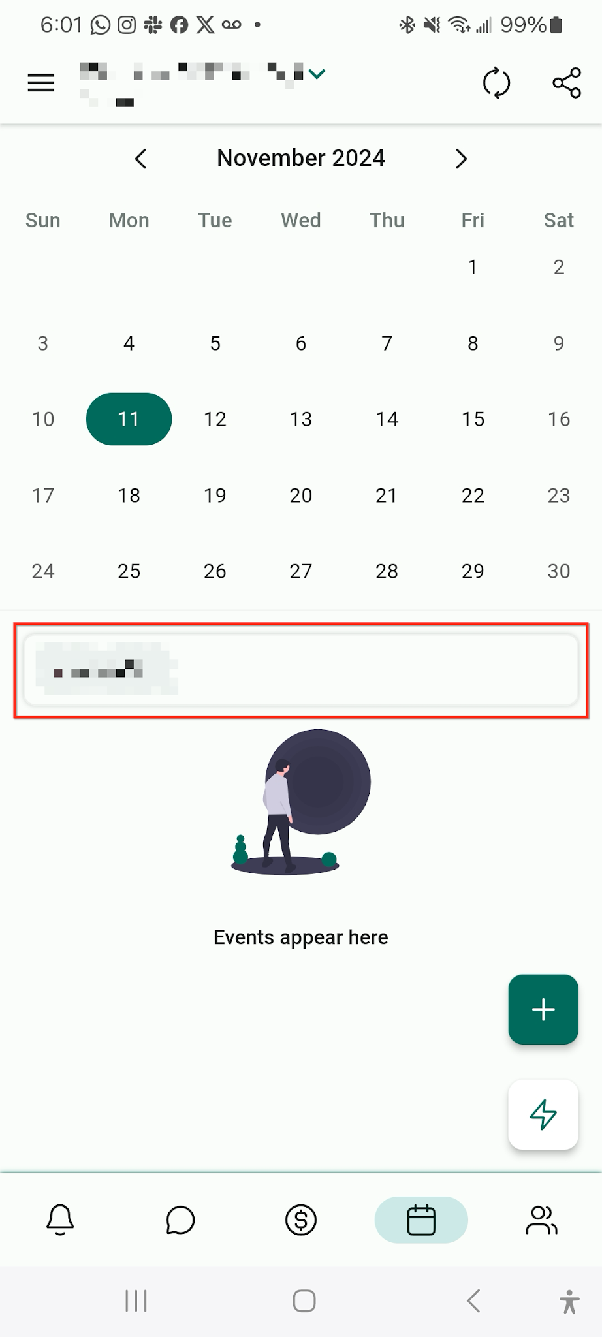 |
|---|---|
| From the selector, you can choose to add multiple users, calendars, or groups. | 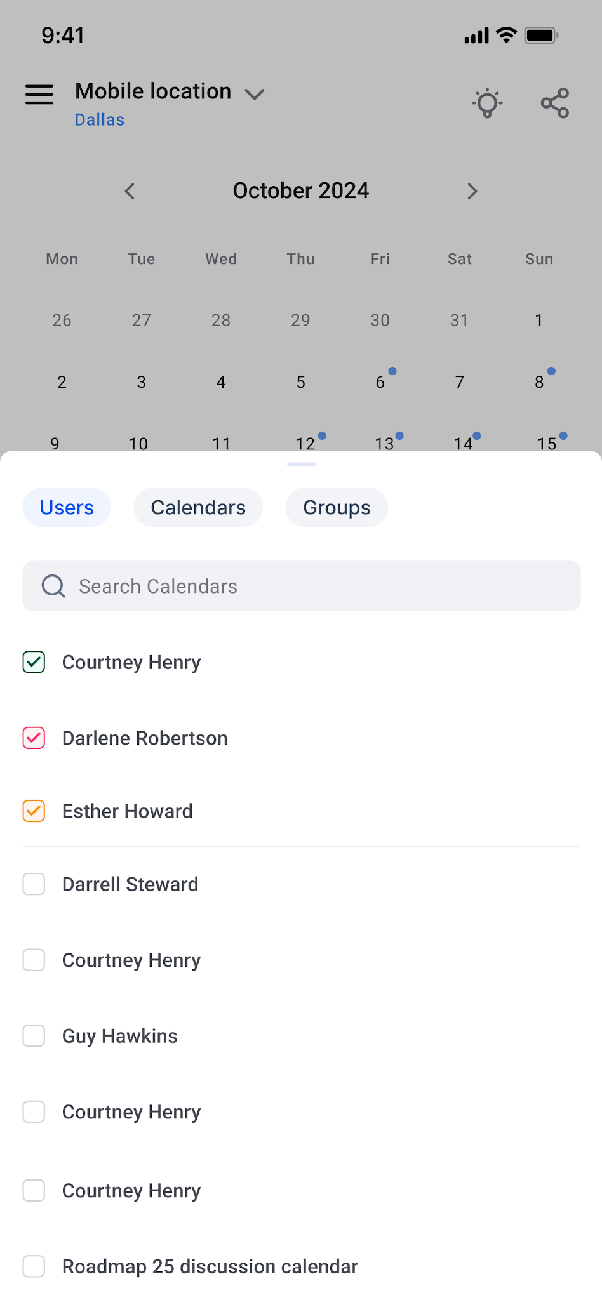 |
| Once you have made your selection, you will then be able to see the schedules of all your selections under the events area. Each selection will have a different colour and that will reflect across the events. | 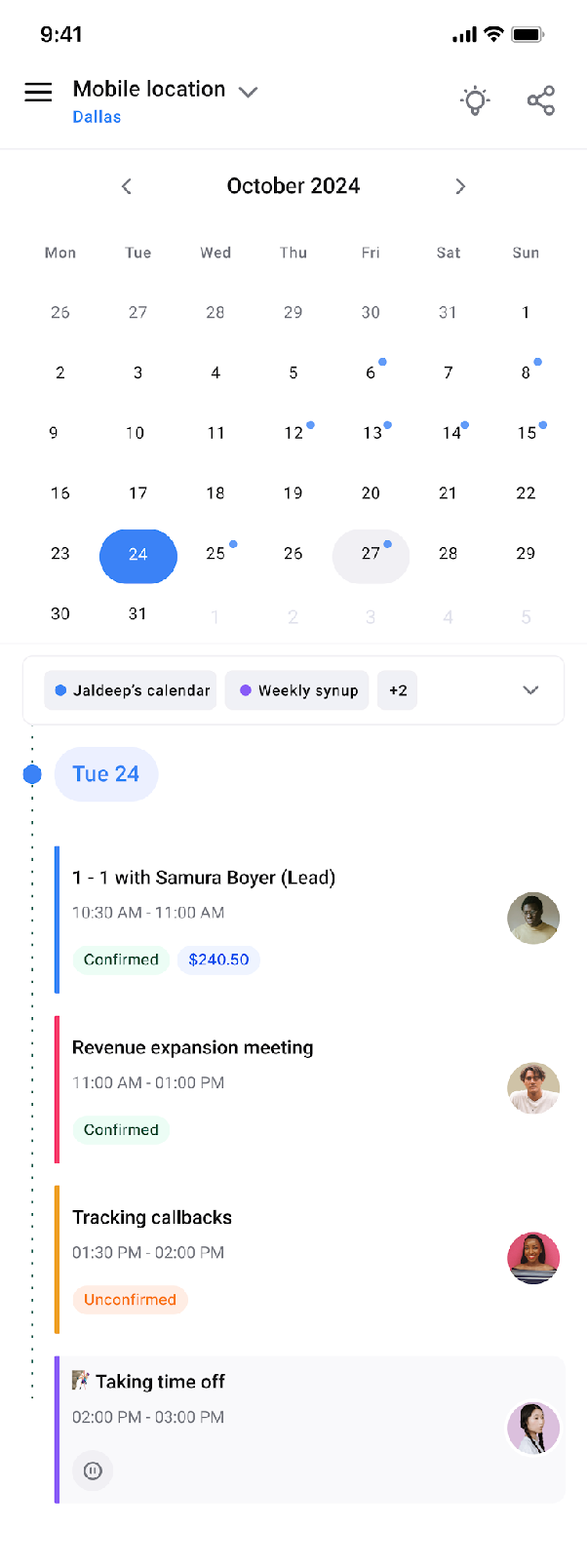 |