How to Connect TikTok in Social Planner in CRM?
How to Connect TikTok in Social Planner in CRM
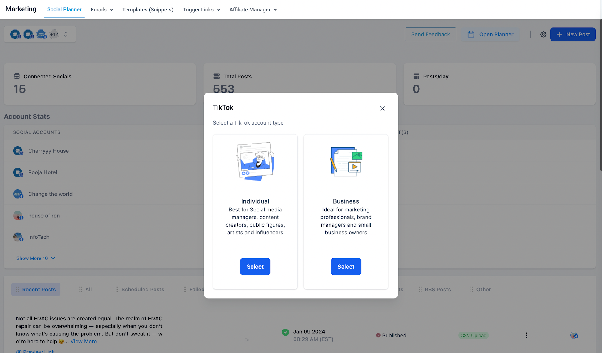
With the Social Planner feature in CRM, you can connect your TikTok account to schedule and publish videos directly. At this time, the integration supports personal TikTok accounts. Support for TikTok for Business accounts will be available in a future update.
Prerequisites
Before you begin, ensure you are logged into your CRM account and have your TikTok login credentials ready.
Step 1: Navigate to Social Planner
From the main CRM dashboard, go to the Marketing section and select Social Planner.
Step 2: Access the Settings
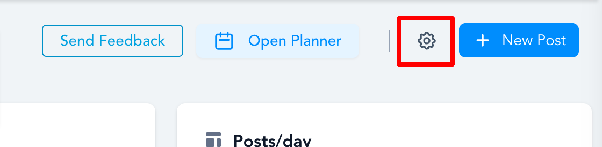
When you first enter Social Planner, you may see a setup wizard with an option to connect an account. If you have already used Social Planner, locate and click the Settings icon (it usually looks like a gear) to manage your connected accounts.
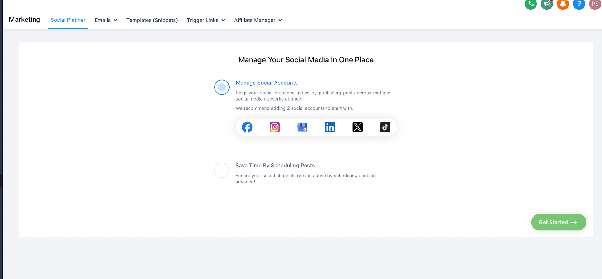
Alternatively, if you are on the Social Planner overview page, you can find the option to add an account directly.
Step 3: Add a TikTok Account
Click the Add Account button. A menu will appear showing the different social media platforms you can connect. Select TikTok.
Step 4: Log in to TikTok
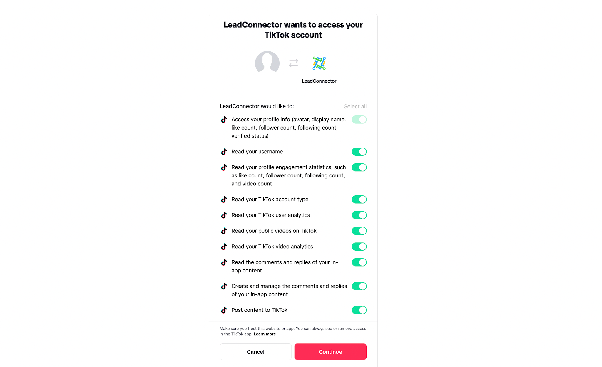
A new window will open, prompting you to log into your TikTok account. Enter your TikTok username and password to authorize the connection with CRM.
Step 5: Select Your Account
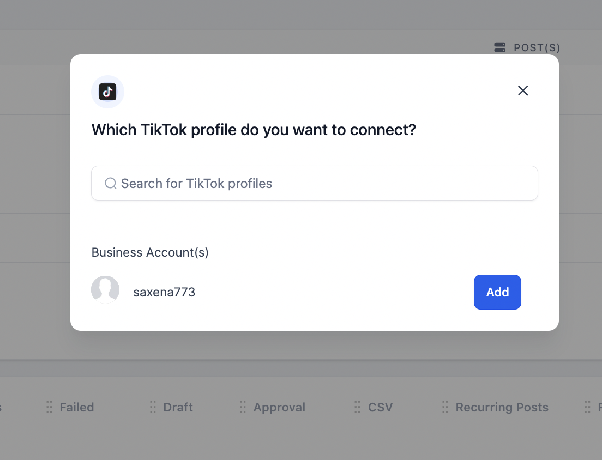
After a successful login, you will be asked to choose which TikTok account you want to connect. Select the appropriate personal account from the list.
Step 6: Manage Your Connected Account
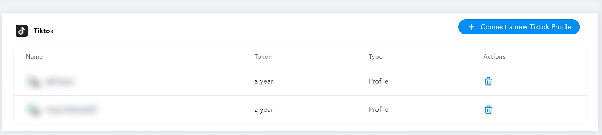
Once connected, your TikTok account will appear in the Social Planner settings. You can return to the Settings area at any time to manage or disconnect the account.
You can now start scheduling and publishing TikTok videos directly from your CRM Social Planner.