Converting funnels and websites with the new import feature
Converting funnels and websites with the new import feature
OverviewLooking to seamlessly integrate an existing website or funnel page into your new project? Say hello to our latest import feature, making the process effortless and instantaneous.
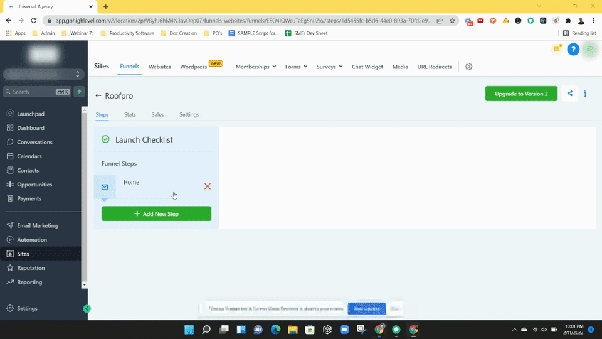
How does it work?
Step 1: Click on"+ Add New Step" button to add a new page to your funnel or website,
Step 2: A pop up will appear, continue to name your page and path
Step 3: Click on "Create Funnel Step" to close the pop up
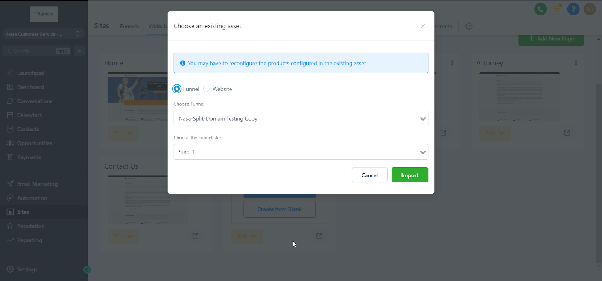
Step 4: A new modal window will appear in the funnel preview area, click on the "Import" button
Step 5: Select which page you would like to import and click "import"
Please Note:
In order to import or convert a funnel/website you first have to add a new step
Import Funnel / Website feature imports only a single funnel step or a webpage
You may only import an existing funnel step or website page
Does not import from other websites/funnel providers
Changes to any imported step/page will NOT affect the original step/page
The import feature will NOT import the products configured or the stats accumulated on the source funnel step. Products have to be configured again after the import
******You can import a control or variation step in a funnel as well
******If you want to run split tests on websites, please import that pages into funnels and run a split test there.
******Split testing is available on PRO plans only