Custom Meta Tags
Custom Meta Tags
Within the CRM's funnel and website page builder, you can add custom meta tags to help control how search engines interpret and display your pages. These tags provide specific instructions, such as whether to index a page or how to display its snippet in search results.
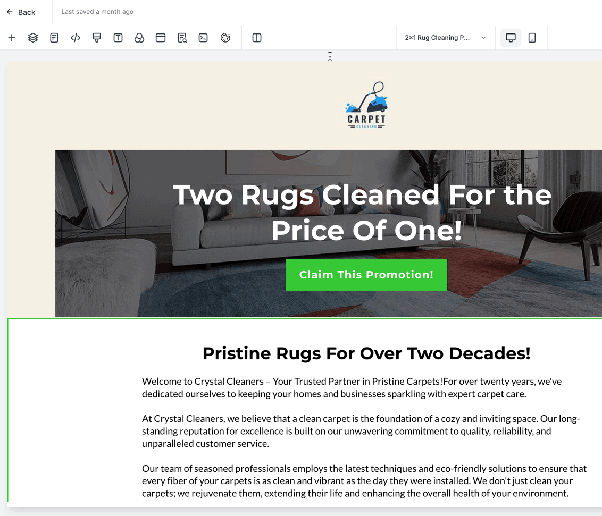
The option to add custom meta tags is available via an SEO or Meta Data icon located within the editor toolbar. Clicking this icon opens a section where you can define your own tags.
For a comprehensive list of meta tags recognized by search engines like Google, you can refer to their official documentation:
https://developers.google.com/search/docs/crawling-indexing/special-tags
Example: Adding a "noindex" Meta Tag
To prevent a specific page from being indexed by search engines, you can add a custom meta tag named "robots" with the content value set to "noindex".
- In the page builder, click the SEO/Meta Data icon.
- Add a new custom meta tag.
- For the Name, enter:
robots - For the Content, enter:
noindex - Save your changes. Once published, search engines will be instructed not to include that page in their search results.