How to fix Error while displaying webpage after a purchase
How to fix Error while displaying webpage after a purchase
If a customer completes a purchase and sees the message:
"Order successfully placed!
However, Something went wrong while displaying this webpage, please contact the seller."
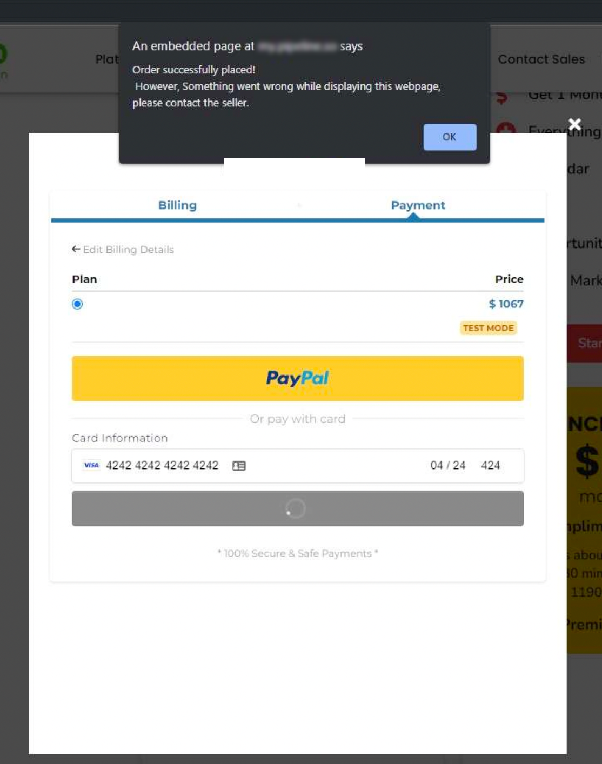
This error occurs because the order form is trying to redirect the customer to the next step in the funnel, but that next page is missing or not properly configured.
Solution
To resolve this, you need to ensure the order form has a valid page to redirect to after the purchase is completed.
- Navigate to the funnel containing your order form within your CRM.
- Open the order form settings or configuration.
- Locate the section that controls what happens after the order is placed — often labeled "Redirect," "Next Step," or "Thank You Page."
- Either select an existing page from your funnel (like a thank you page or upsell offer) or create a new one and assign it as the destination.
- Save your changes and test the purchase process again to confirm the error no longer appears.

After applying these adjustments, customers will be directed to the correct page after their purchase, and the error message will no longer be shown.